Coming sooniOSAndroid to follow
Photo cleanup
Fotofresh
Clean up your photos with a swipe.
Free up space at your own pace, without risking accidental deletions.
No accountNo adsPhotos stay on your phone
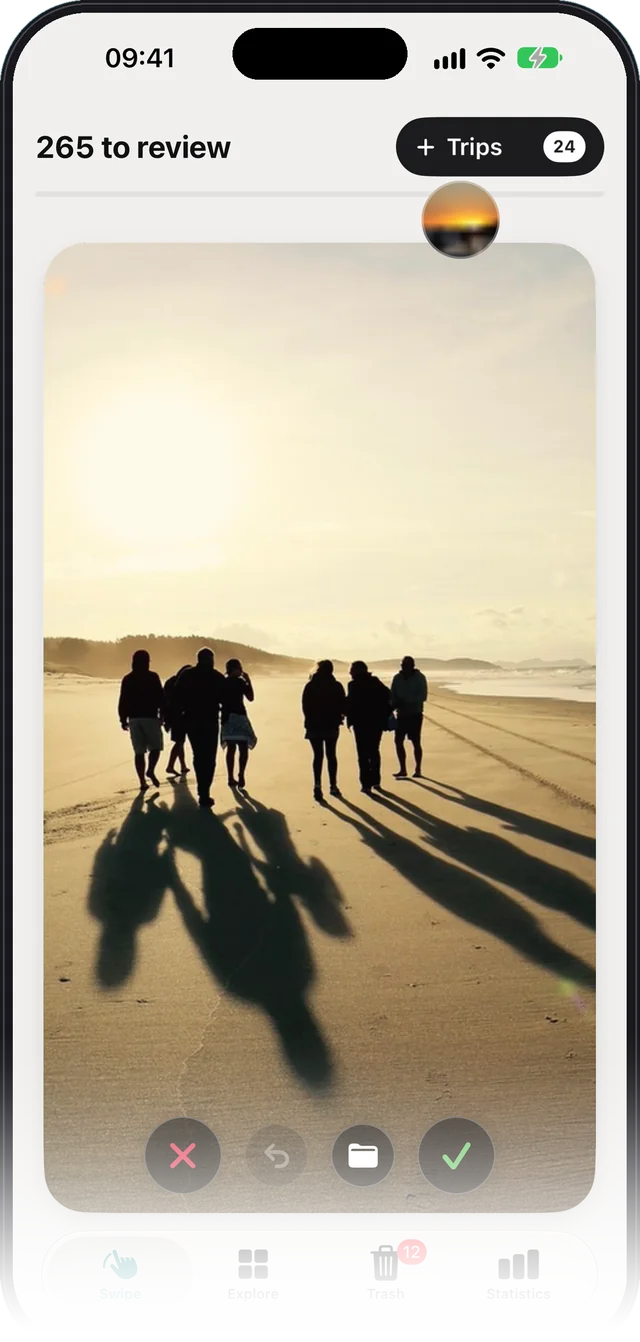
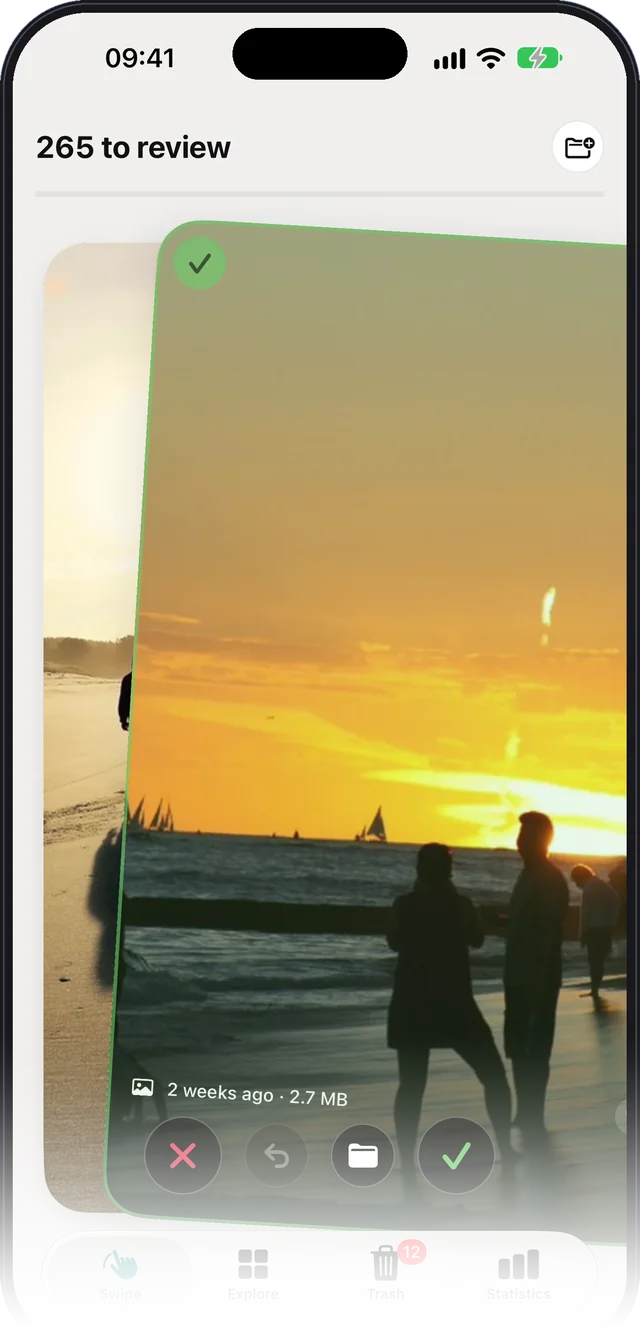
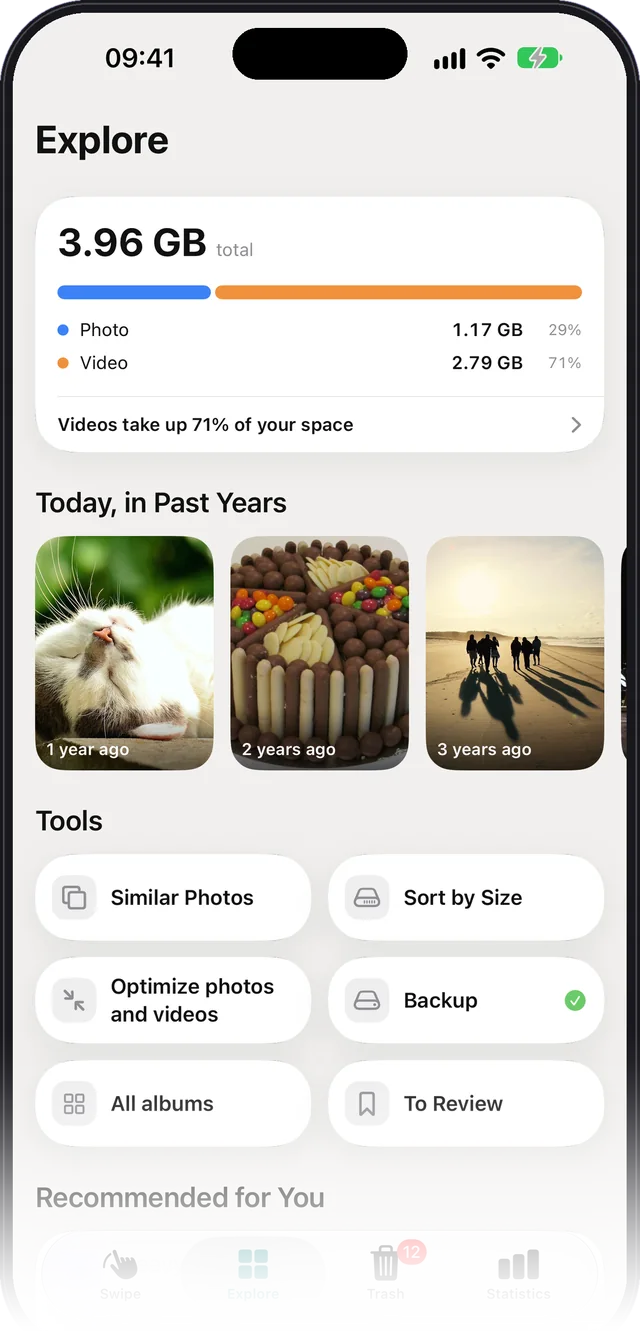
Photo cleanup
Clean up your photos with a swipe.
Free up space at your own pace, without risking accidental deletions.
Swipe left to delete, right to keep, up to file into a folder. The app's Trash protects you from mistakes, your photos stay on your phone and no account is needed.
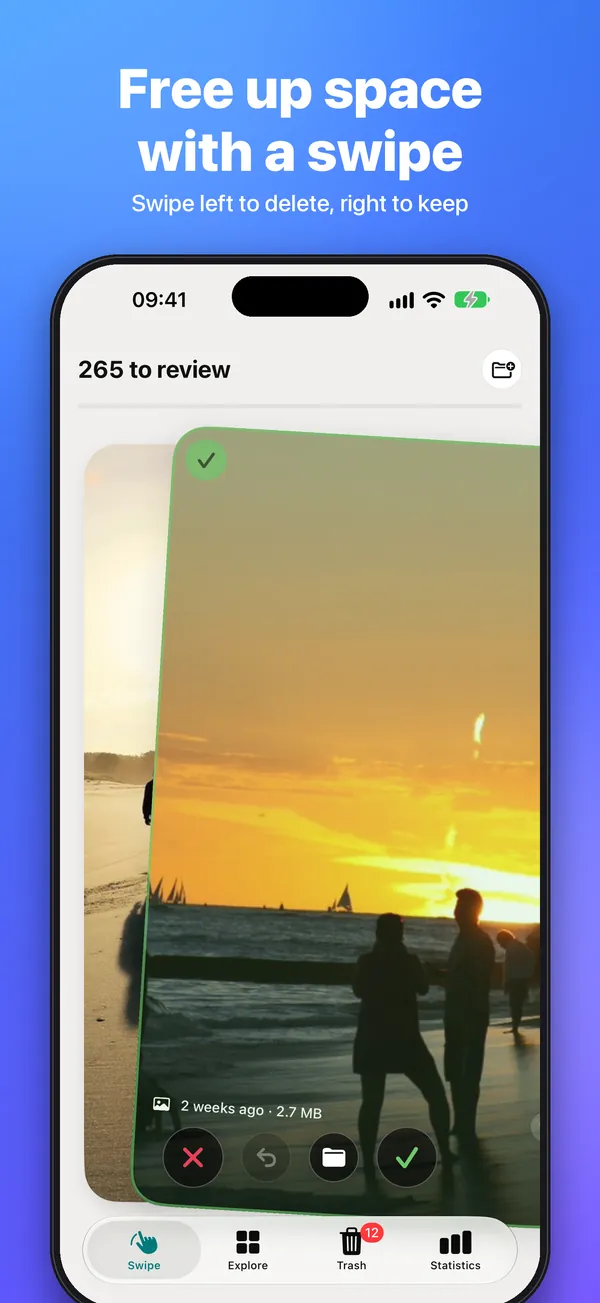
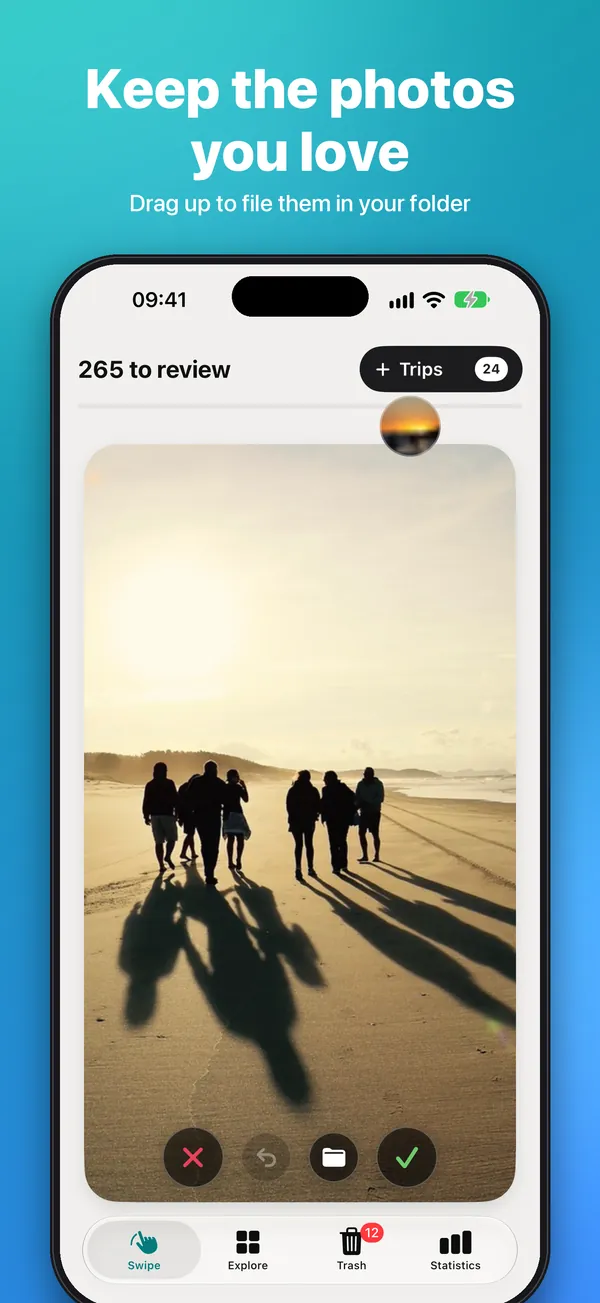
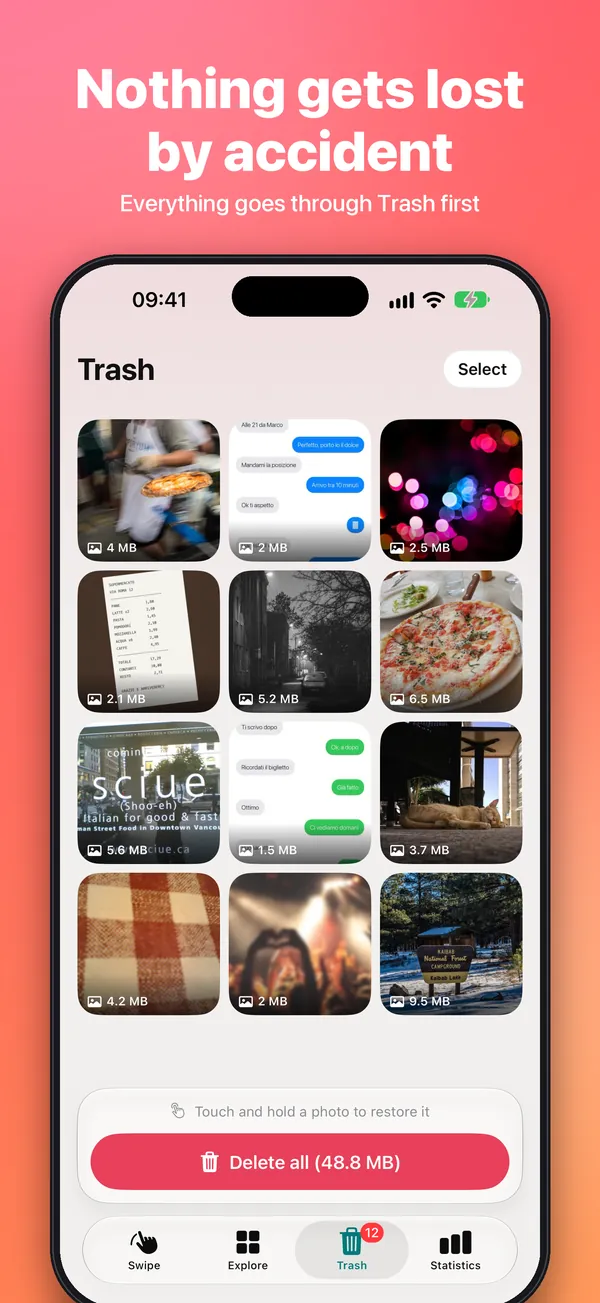
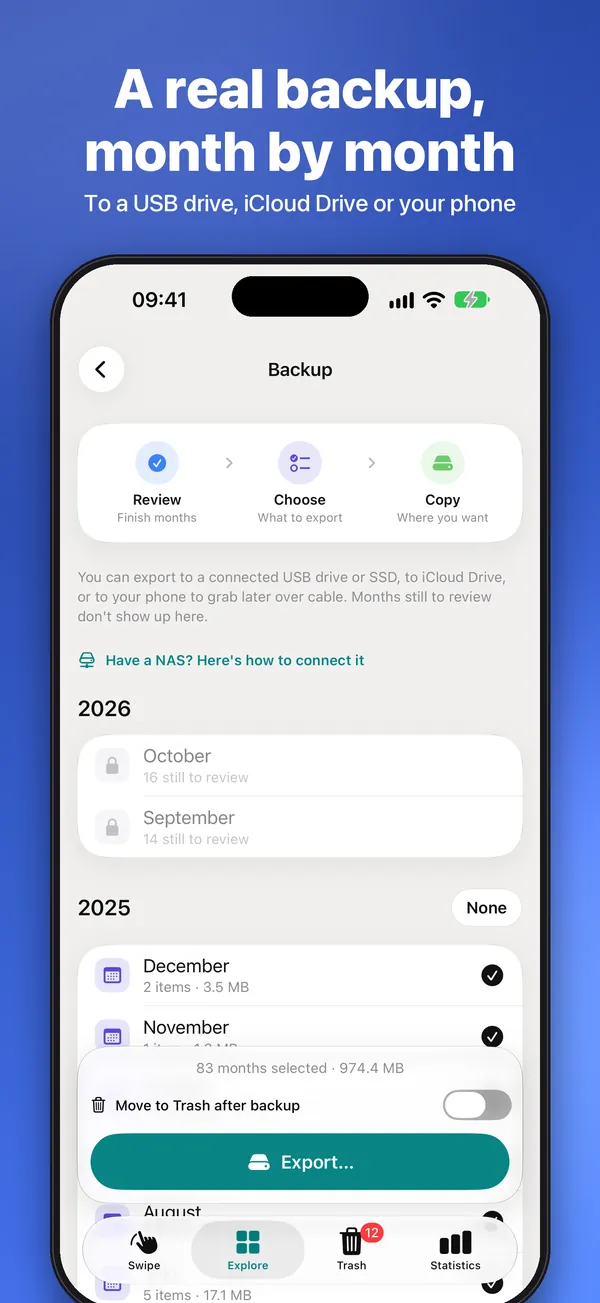
Photos, videos, Live Photos and screenshots appear as cards. Left deletes, right keeps, up files them into a folder.
Undo up to 10 decisions. What you delete goes to the app's Trash first, where you can restore it.
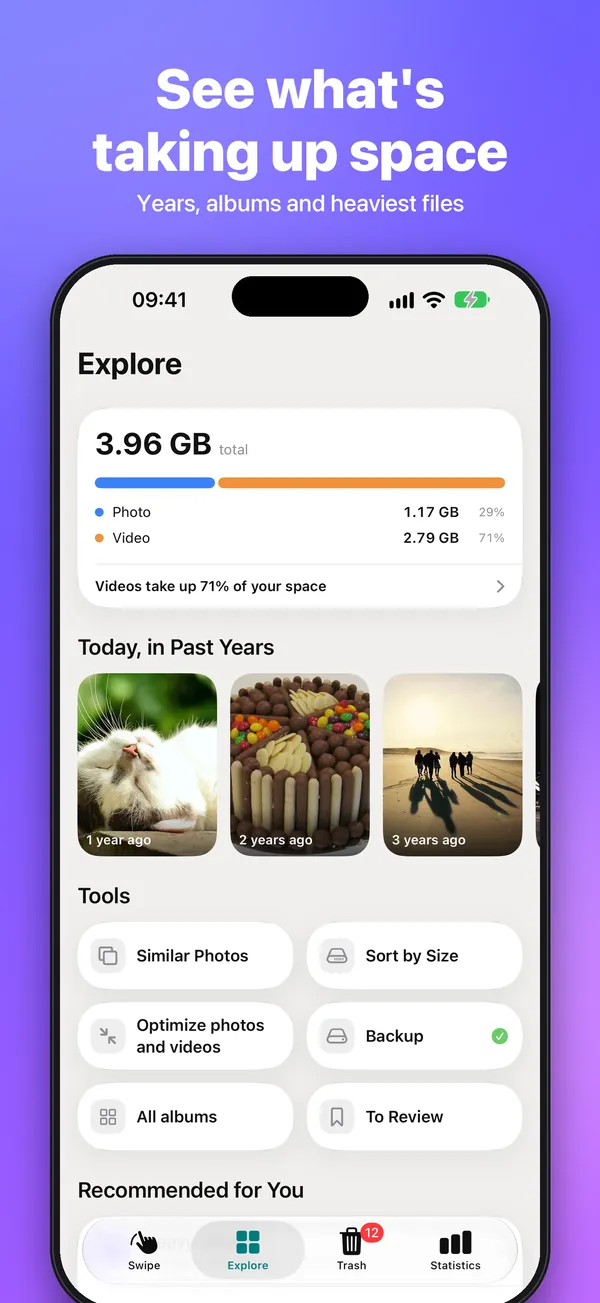
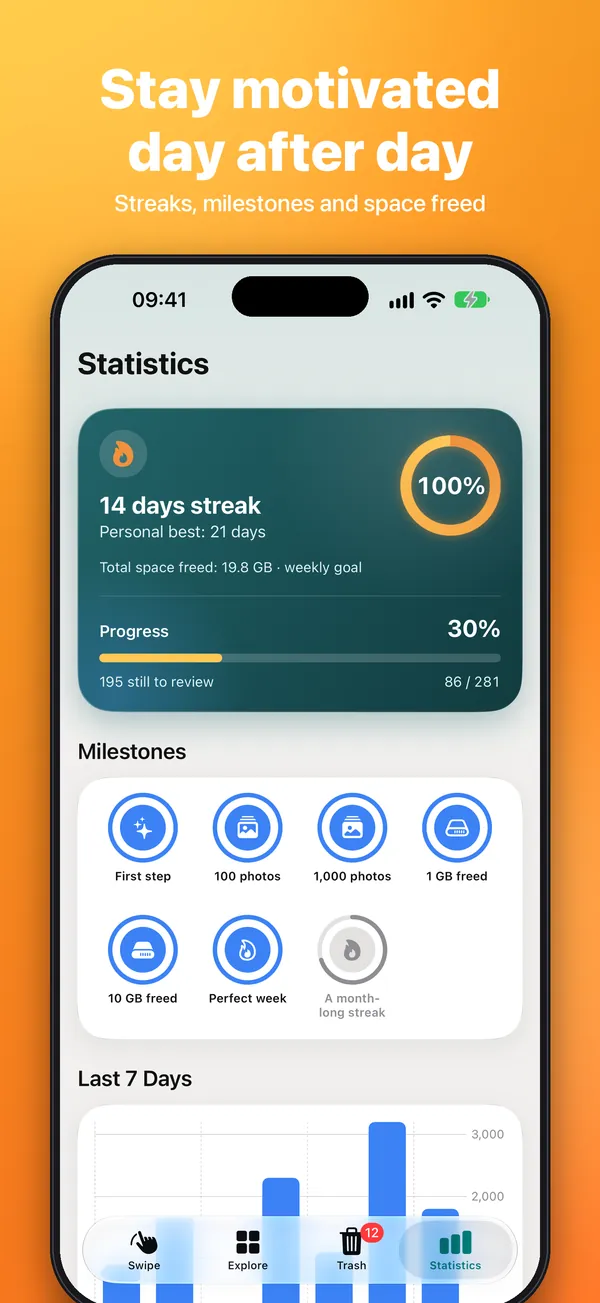
By year, month and album, with a space chart and your heaviest files.
Only then does iOS ask for confirmation and the photos leave your library.
Set aside holiday photos or special moments in real albums in the Photos app: photos are never copied.
Pinch to zoom, watch videos and drag down to close.
After a certain number of photos in a row the app suggests a break and a reminder: customizable or switch it off.
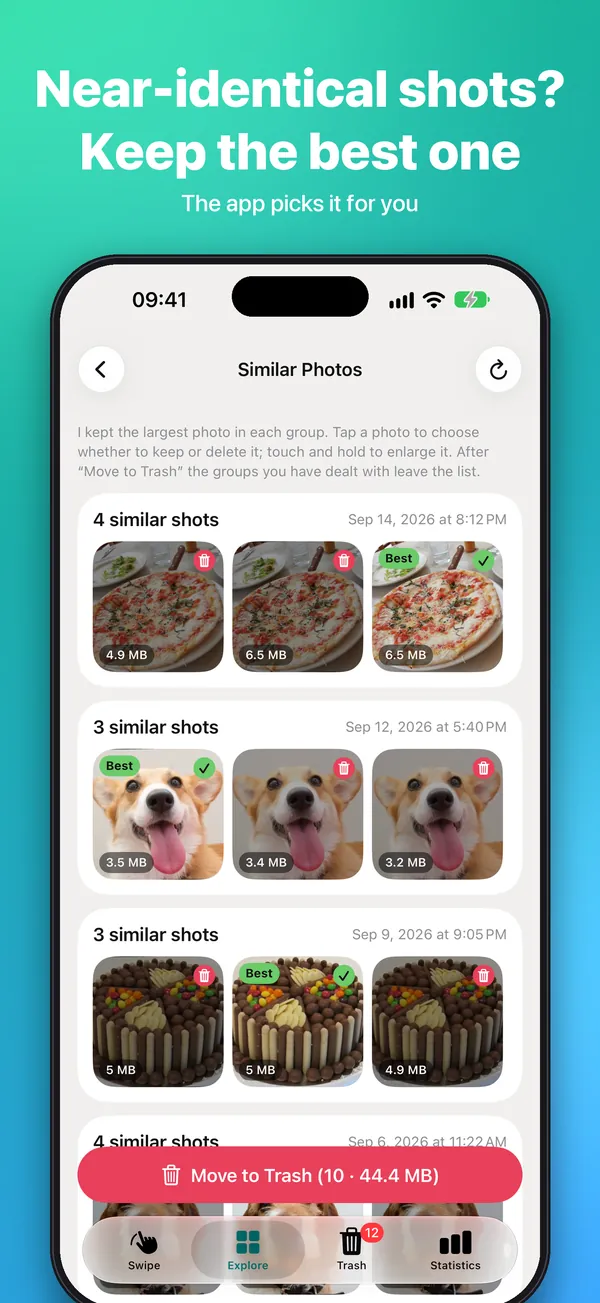
Keep only the best shot and create lighter copies: the original goes to the Trash only with your confirmation.
Bookmark the photos you're unsure about and decide later.
Export original files and share a photo with a small "Found again with Fotofresh" label or to Instagram Stories.
There is one privacy policy per app, because each handles different data.
Read the full policyThey go to the app's Trash first. They are removed from the library only when you empty the Trash and confirm in the iOS dialog. Until then you can restore them from the Trash.
No. Fotofresh has no account, no ads and no servers: everything happens on your iPhone.
Yes. The app shows only the photos you give it access to, and you can change the choice in iOS settings.
Write to me: I'll let you know as soon as Fotofresh is available.